

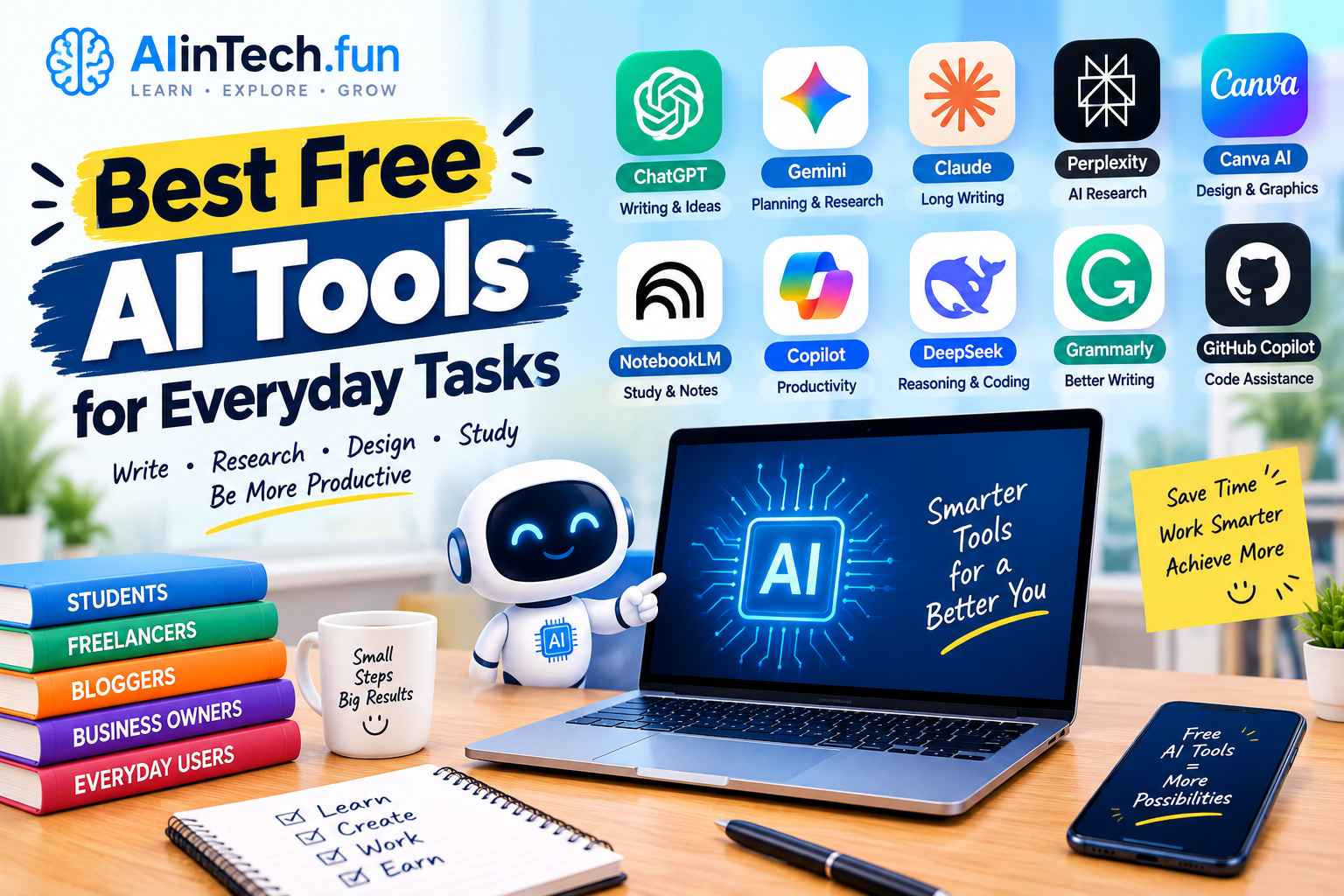
Meta Title: Best Free AI Tools for Everyday Tasks in 2026
Meta Description: Discover the best free AI tools for everyday tasks in 2026. Learn how AI can help with writing, research, studying, planning, images, productivity, and more.
Best Free AI Tools for Everyday Tasksbest-free-ai-tools-for-everyday-tasks
Introduction
Artificial intelligence is no longer something that only technology experts or large companies use. Today, AI tools can help ordinary users complete everyday digital tasks more quickly and efficiently.
Whether you need help writing an email, summarizing a long document, creating an image, planning your day, learning a new topic, translating text, or organizing ideas, there is likely an AI-powered tool that can assist you.
The good news is that you don’t always need to pay for expensive software. Many AI platforms provide free plans or free features that are useful for students, professionals, freelancers, bloggers, creators, and everyday internet users.
However, choosing the right tool can be confusing. There are thousands of AI applications available, and each one is designed for different purposes.
In this guide, we’ll explore the best free AI tools for everyday tasks in 2026, explain what you can use them for, and share practical tips for getting better results without wasting time or money.
What Are Free AI Tools?
Free AI tools are applications that provide artificial intelligence features without requiring users to purchase a paid subscription.
Some are completely free, while others use a freemium model. This means basic features are available at no cost, but advanced features may require payment.
Free AI tools can help with tasks such as:
- Writing and rewriting
- Grammar correction
- Research
- Summarization
- Translation
- Studying
- Brainstorming
- Image creation
- Productivity
- Coding
- Planning
- Note-taking
- Content creation
The exact features and limits vary from one service to another.
A free plan may have restrictions on the number of requests, available models, file uploads, image generation, or other advanced functions. Therefore, it is worth checking the current terms of a service before depending on it for important work.
1. Free AI Chat Assistants
One of the most useful categories of AI tools is the general-purpose AI assistant.
These tools allow you to interact with AI using natural language. Instead of learning complicated commands, you can simply describe what you need.
What Can You Do With an AI Chat Assistant?
A free AI assistant can potentially help you:
- Generate ideas
- Rewrite text
- Explain difficult topics
- Create outlines
- Summarize information
- Draft messages
- Create checklists
- Practice languages
- Brainstorm content
- Analyze text
- Write simple code
For example, if you’re preparing an email but aren’t sure how to phrase it professionally, you can provide the key points and ask the AI to organize them into a clear draft.
Example Prompt
Instead of:
“Write an email.”
Try:
“Write a short and polite email asking a client whether they have reviewed the project proposal. Keep the tone professional but friendly.”
The additional context gives the AI a much clearer objective.
2. Free AI Writing Tools
Writing is another everyday task where AI can be extremely useful.
You don’t have to be a professional writer to benefit from an AI writing assistant.
Useful Writing Tasks
AI can help with:
- Grammar correction
- Sentence improvement
- Rewriting
- Summarization
- Headlines
- Outlines
- Product descriptions
- Blog ideas
- Social media captions
- Emails
For example, if you write:
“I want to inform you that meeting is changed because some problem.”
An AI writing assistant can help turn the idea into a clearer sentence:
“I wanted to let you know that the meeting has been rescheduled due to an unexpected issue.”
The important point is that the AI should improve your communication rather than remove your personal voice.
3. Free AI Tools for Students
Students can use AI as a learning assistant when it is permitted by their school, college, or university.
AI can make difficult subjects easier to understand by explaining concepts in different ways.
Explain Difficult Concepts
If a textbook explanation seems complicated, ask AI to explain it using simple language.
You can also ask for:
- Examples
- Analogies
- Step-by-step explanations
- Practice questions
- Flashcards
- Short quizzes
For example:
“Explain photosynthesis to a beginner using a simple real-world example.”
This can produce an explanation that is easier to understand than a technical textbook definition.
Create Study Plans
Students can also use AI to organize their study time.
Give it information about:
- Subjects
- Exam dates
- Available hours
- Difficult subjects
- Break preferences
The AI can then create a starting schedule.
However, the student should adjust the plan according to actual progress.
4. Free AI Tools for Research
Research can involve reading large amounts of information, which can take considerable time.
AI tools can assist by helping you organize questions, summarize information, and identify areas that require further investigation.
How AI Can Help With Research
You can ask an AI tool to:
- Create research questions
- Explain terminology
- Summarize provided material
- Generate an outline
- Compare concepts
- Identify topics to investigate
But there is an important limitation.
Always Verify Important Information
AI systems can sometimes produce incorrect information or present outdated information confidently.
For important research, verify facts using trustworthy primary or authoritative sources.
This is especially important for:
- Scientific information
- Financial information
- Legal topics
- Medical information
- Statistics
- Current events
AI should help with the research process, not replace source verification.
5. Free AI Translation Tools
Language barriers can make online communication difficult.
AI-powered translation tools can help users understand and rewrite text in different languages.
They can be useful for:
- Basic translations
- Emails
- Learning vocabulary
- Understanding foreign-language websites
- Practicing conversations
- Improving sentences
For everyday communication, AI translation can be extremely convenient.
However, professional translators may still be necessary for contracts, legal documents, official applications, and other high-stakes content.
6. Free AI Image Generators
AI image generators have become increasingly popular among creators and online businesses.
Instead of manually designing an image, you can describe what you want and allow an AI system to generate a visual concept.
What Can You Create?
Depending on the tool, you may be able to create:
- Blog illustrations
- Social media graphics
- Backgrounds
- Concept art
- Marketing visuals
- Presentation images
- Creative illustrations
For example:
“Create a clean modern illustration showing a person using artificial intelligence on a laptop, suitable for a technology blog.”
The quality of the result depends on the specific tool and the prompt.
Check Usage Rights
If you intend to use AI-generated images commercially, check the service’s current terms and licensing conditions.
Free access does not automatically mean that every generated image can be used in every commercial situation.
7. Free AI Tools for Productivity
Productivity is one of the biggest areas where AI can save time.
Instead of manually organizing every small task, AI can help turn unstructured information into a usable plan.
Create To-Do Lists
You can give AI a list of things you need to accomplish and ask it to organize them by priority.
For example:
- Reply to emails
- Complete a report
- Study for an exam
- Publish a blog post
- Attend a meeting
AI can turn this into a structured checklist.
Create Daily Plans
You can also ask AI to create a daily schedule based on the amount of time you have available.
For example:
“I have six hours available today. I need to write an article, answer emails, study for two hours, and attend a meeting at 3 PM. Create a practical schedule with short breaks.”
The result can then be adjusted to fit your actual routine.
8. Free AI Tools for Email and Communication
Writing emails can become repetitive, particularly in professional environments.
AI can help create first drafts from short instructions.
Example
You could provide:
“Tell the client that the project is almost finished and ask them to review the latest version.”
The AI can transform those points into a professional message.
Before sending the email, review:
- Names
- Dates
- Attachments
- Promises
- Deadlines
- Tone
AI-generated communication should always be checked before it reaches another person.
9. Free AI Tools for Presentations
Creating a presentation usually involves planning the structure, writing content, and deciding what information belongs on each slide.
AI can help with the initial planning stage.
You Can Ask AI To Create:
- Presentation outlines
- Slide titles
- Bullet points
- Speaker notes
- Examples
- Questions for the audience
For example:
“Create a 10-slide presentation outline explaining cybersecurity basics to beginners.”
You can then review the structure and add your own information.
AI should be used to accelerate preparation, not to blindly fill slides with generic content.
10. Free AI Tools for Note-Taking
Taking notes during meetings, classes, or research sessions can be difficult.
Some AI applications can assist with:
- Transcription
- Summarization
- Key-point extraction
- Action items
- Organization
A long meeting can potentially be converted into a shorter list of decisions and tasks.
However, recording conversations can involve privacy and consent requirements. Before using an AI transcription tool in a meeting, make sure its use is appropriate and permitted.
11. Free AI Tools for Coding
AI coding assistants are useful not only for experienced developers but also for people learning programming.
A beginner can ask AI:
- “Explain this code.”
- “Why am I getting this error?”
- “Show me how a loop works.”
- “Create a simple HTML form.”
- “Explain this JavaScript function.”
AI can make programming concepts easier to approach.
But Don’t Copy Code Blindly
Generated code can contain:
- Bugs
- Security problems
- Inefficient approaches
- Incorrect assumptions
Run and test code carefully, especially before using it in a real application.
12. Free AI Tools for Content Creators
Bloggers, YouTubers, TikTok creators, and social media managers can use AI for different stages of content creation.
AI can help generate:
- Content ideas
- Video scripts
- Headlines
- Captions
- Hooks
- Content calendars
- Story ideas
- Descriptions
For example, a technology blogger could ask AI for 20 article ideas about beginner-friendly AI topics.
The creator can then select the strongest ideas and add original information and experience.
This produces a much more useful result than publishing generic AI-generated content without editing.
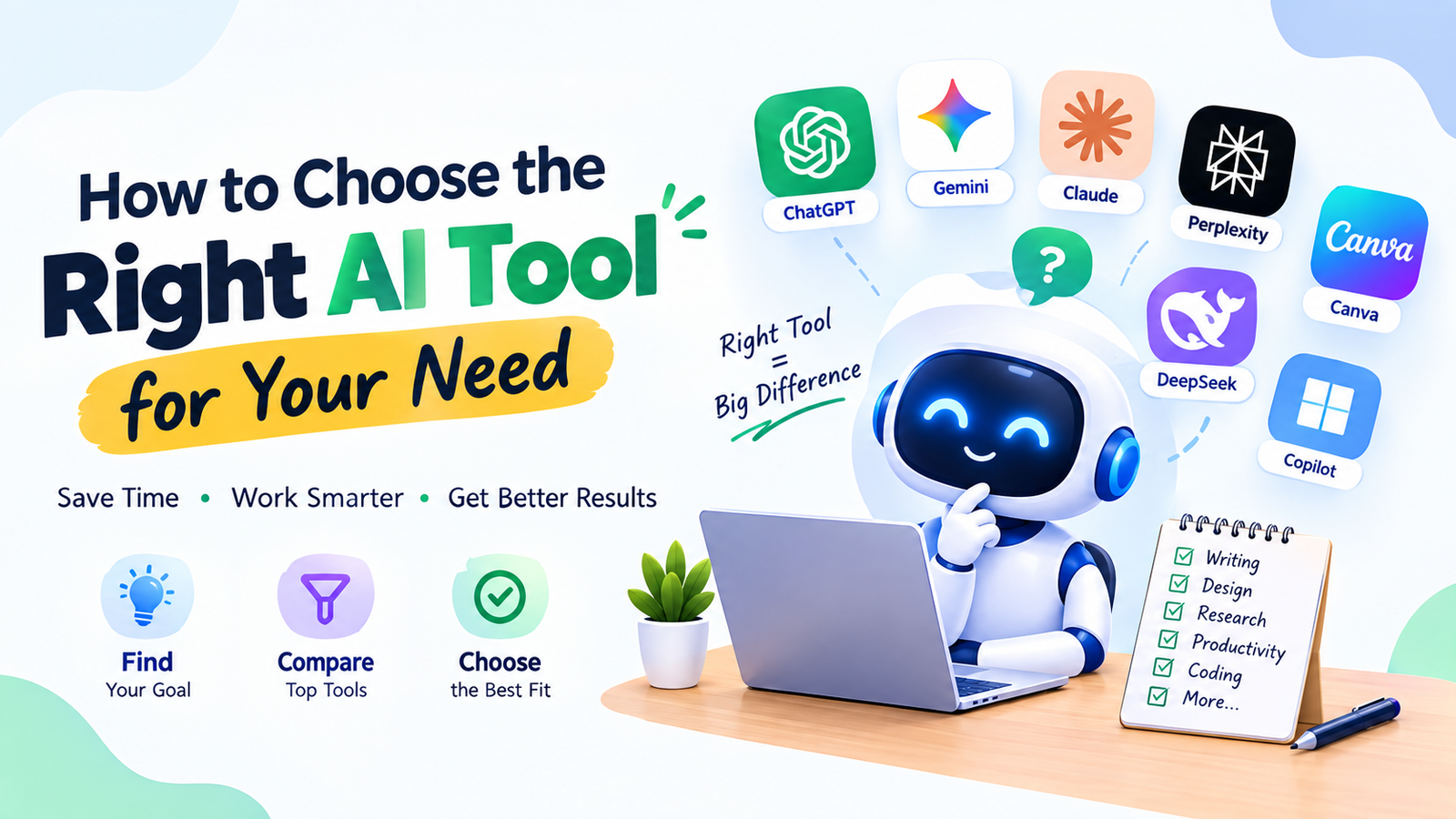
How to Choose the Best Free AI Tool
With so many options available, you need a simple selection process.
Step 1: Identify Your Task
Don’t start with the tool.
Start with the problem.
Ask:
“What do I need help doing?”
For example:
- Writing → writing assistant
- Images → image generator
- Studying → AI tutor
- Coding → coding assistant
- Planning → productivity assistant
- Research → research assistant
Step 2: Check Free Limits
A tool may advertise a free plan but impose limits.
Look for:
- Daily usage
- Monthly usage
- Fil







Leave a Reply